



 Home
Home- FAQ
- Body Composition Analysis
- Inputting API for Wireless Transfer
Inputting API for Wireless Transfer
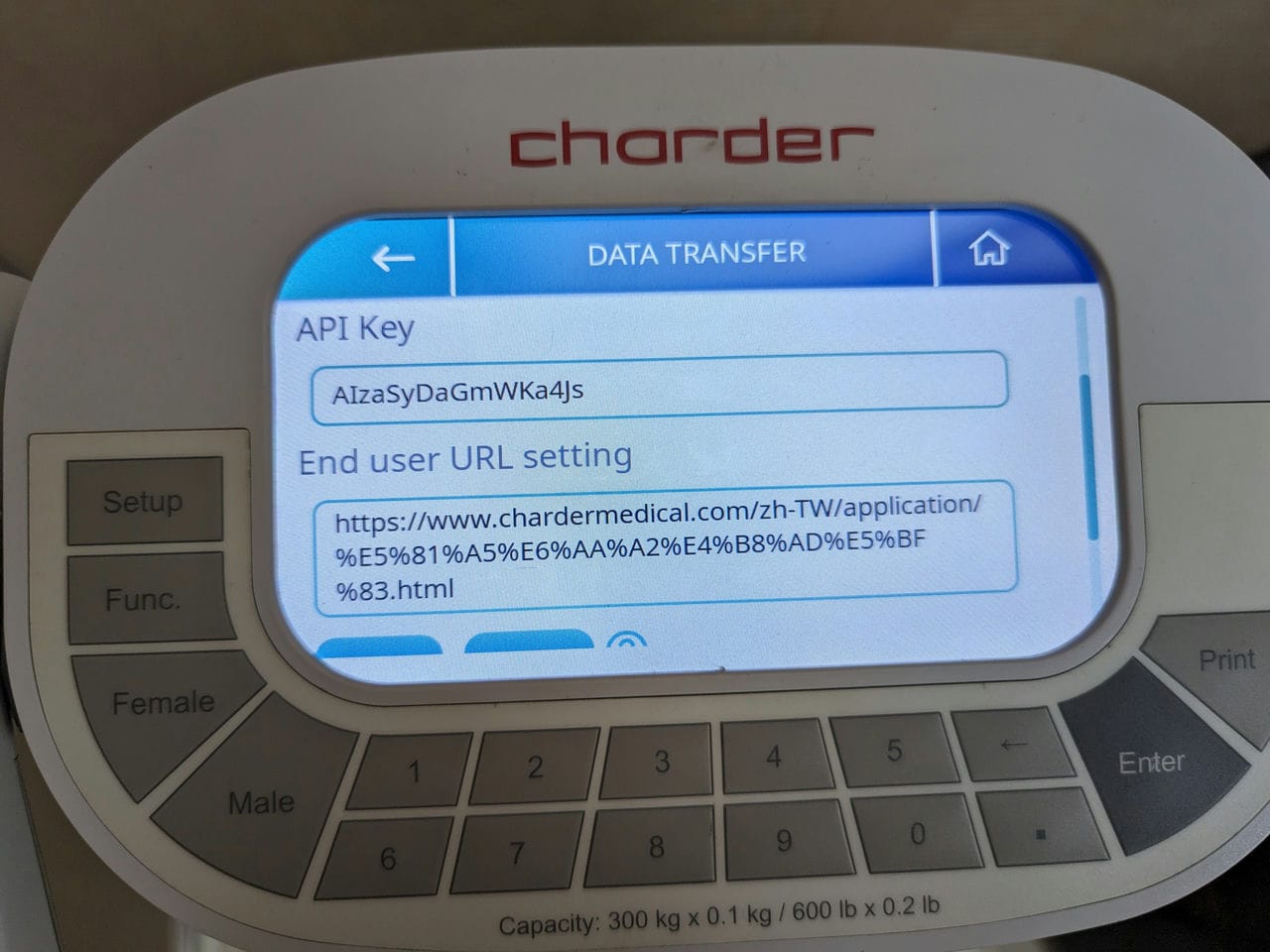
To use Wireless Data Transfer, an API Key and End user URL must be set in the device.
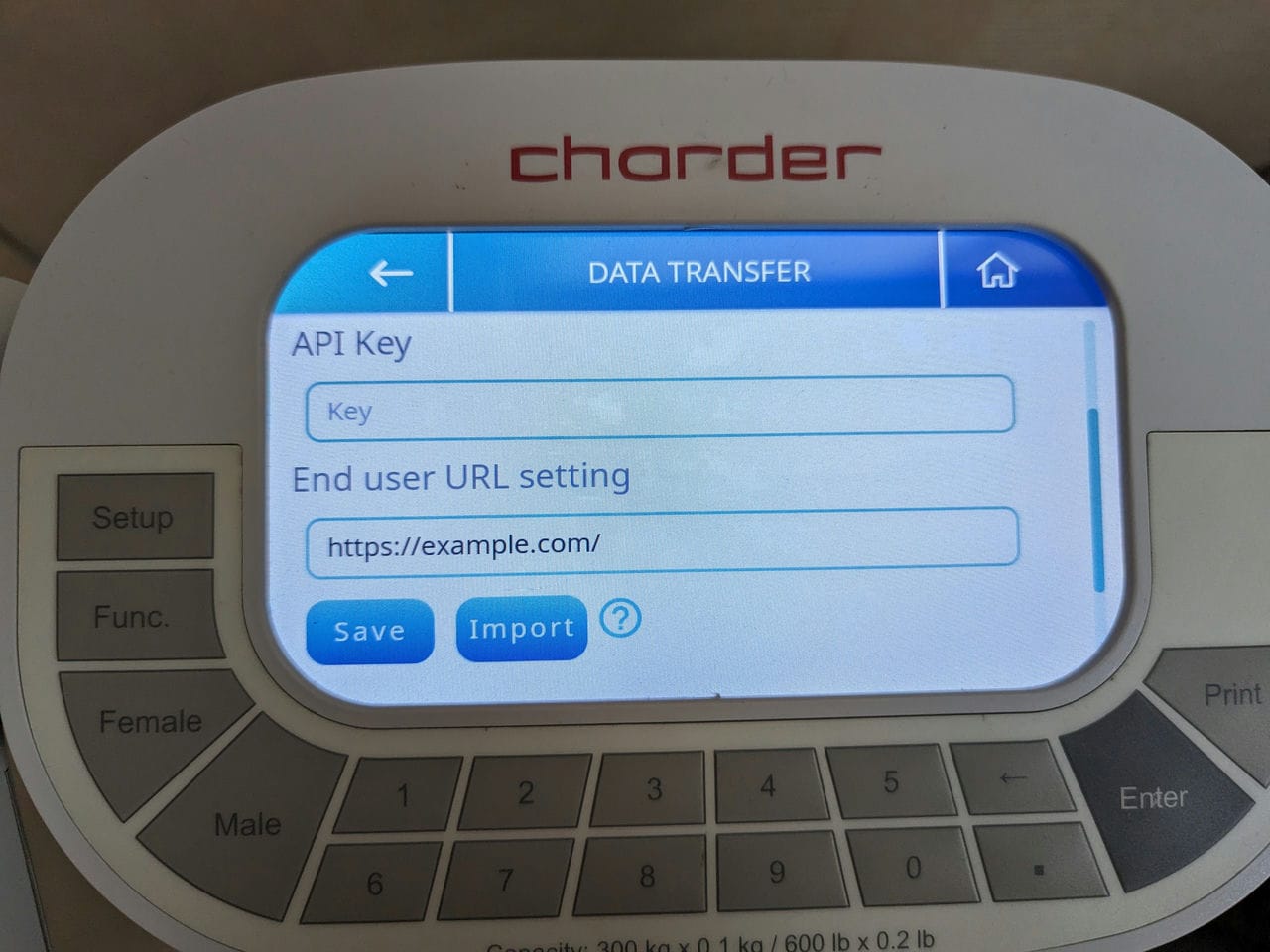
Although the onscreen keyboard can be used, in some cases there may be some special characters in the URL that cannot be input. In addition, it can be inconvenient to type in very long text strings using a touchscreen.
Therefore, the recommended method is to import a properly formatted .txt file to quickly import the API key and URL into the device!
To do so, create a .txt file, with the contents as follows:
{
"key":"insert 16-character API key here",
"url":"insert URL here"
}Save this .txt file into the root folder of a FAT32 USB drive, plug it into the device's USB port(s), enter settings, and select "Data Transfer".
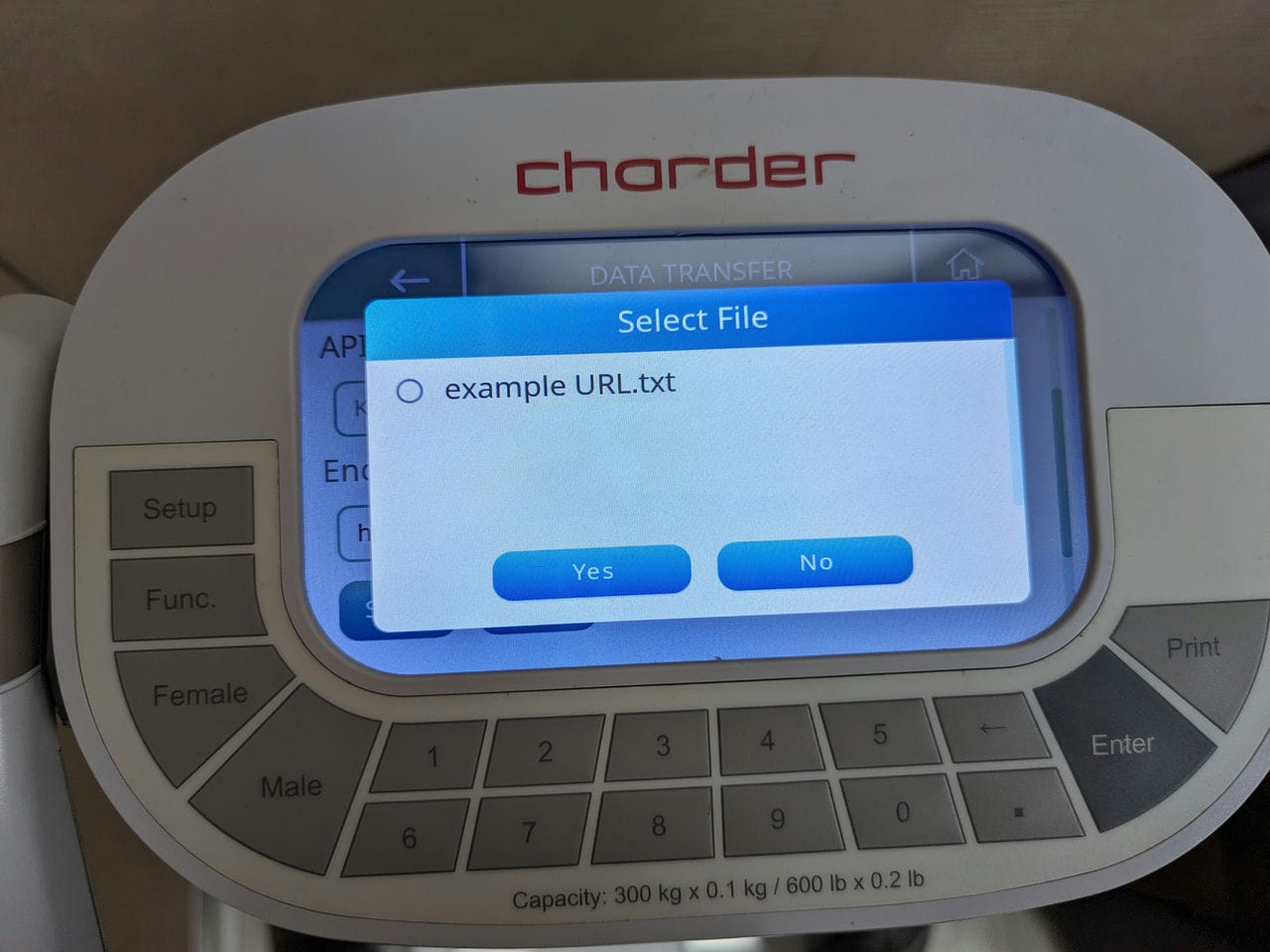
Press "Import", and select the file.